
📊 Full opportunity report: Quiet GPUs for Local AI: Acoustic and Thermal Roundup on ThorstenMeyerAI.com — validation score, market gap, and execution plan.

Get privacy and security gear delivered free with Prime
- Fast, free delivery on millions of items
- Prime Video, Amazon Music and more included
- Member-only deals all year
TL;DR
This article reviews the quietest GPUs suitable for local AI workloads in 2026, emphasizing thermal management and acoustic performance. It highlights the RTX 5090 as the top choice, with practical tips for optimizing noise levels across different models.
In 2026, the RTX 5090 emerges as the quietest and most efficient GPU for local AI, thanks to optimized cooling and undervolting strategies, making high-performance inference rigs feasible in quieter environments.
This roundup evaluates the thermal and acoustic characteristics of leading GPUs for local AI in 2026, focusing on noise levels, heat output, and cooling solutions. The RTX 5090, with 32GB VRAM and high bandwidth, is identified as the top choice for single-GPU setups, provided it is paired with a high-quality cooling system and power capping. The article emphasizes that the GPU’s noise profile is highly dependent on cooler design and power settings, not just chip architecture. Power-capping to 70–80% significantly reduces heat and noise, enabling near-silent operation, especially with partner cards featuring large, open-air coolers and zero-RPM fan modes. For budget-conscious users, the RTX 4090 and used RTX 3090 offer solid performance with manageable noise, particularly when undervolted and cooled properly. The mid-tier options, RTX 5080 and RTX 4060 Ti, provide efficient solutions for smaller models, producing less heat and noise. The professional RTX PRO 6000 Blackwell with 96GB VRAM is suited for dense, large-scale models where noise is less critical but thermal management remains essential.Quiet GPUs
for local AI.
The GPU makes ~70% of your heat and most of your noise. But here’s the secret: the chip doesn’t decide how loud your card is — the cooler design and your power settings do. Match your VRAM tier in Part 2, then make it quiet.
Capping to 70–80% sheds a huge amount of heat for almost no inference loss — because inference is memory-bound. A capped 5090 is dramatically cooler & quieter than stock. Do this first.
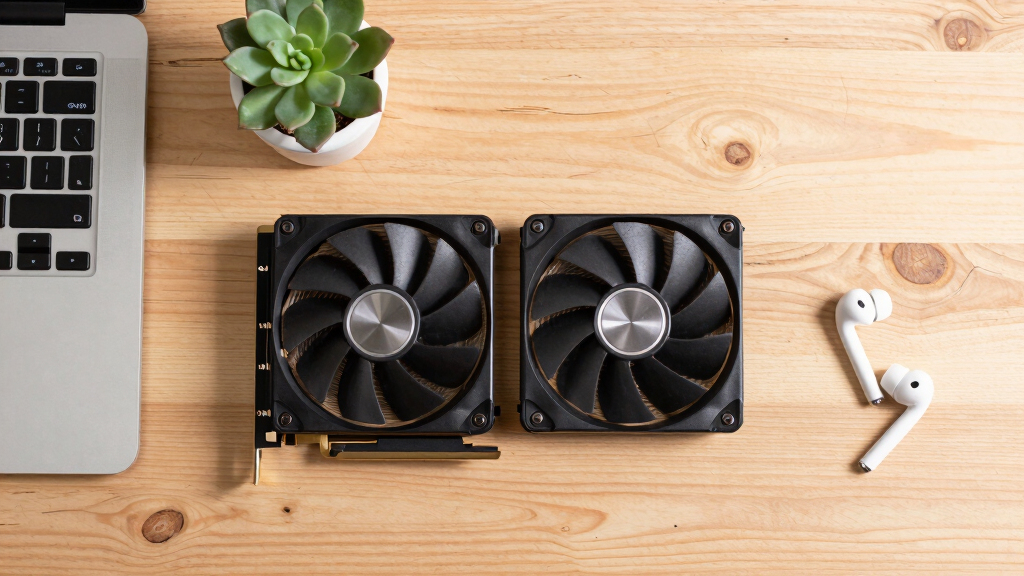
Within one GPU model, partner cards differ enormously. For a single card, a large triple-fan open-air with zero-RPM idle runs slow & quiet. For multi-GPU, the calculus flips →
With room to breathe, a large triple-fan open-air cooler spreads heat across a big fin stack and runs its fans slowly. The quietest choice — what most people should buy.
Impact of Cooling and Power Strategies on GPU Noise
The ability to run high-performance GPUs quietly is critical for users deploying local AI rigs in office or home environments. Proper cooling design and power management can transform otherwise loud, hot cards into near-silent components, improving usability and comfort. This focus on thermal and acoustic optimization broadens the practical deployment of AI workloads outside dedicated data centers, making advanced inference more accessible for individual users and small teams.
As an affiliate, we earn on qualifying purchases.
2026 GPU Developments and Cooling Innovations
The GPU landscape in 2026 continues to evolve with more efficient architectures and better cooling solutions from partner manufacturers. The RTX 5090, based on the latest chip, offers substantial performance gains over previous generations, but its thermal and noise profiles depend heavily on cooling design and power settings. Power-capping and undervolting have become standard practices for reducing heat and noise, with many partner cards featuring large, open-air coolers and zero-RPM fan modes. The emphasis on quiet operation reflects a broader trend towards making high-end AI hardware suitable for everyday environments, not just server rooms.
"Partner cards with large heatsinks and zero-RPM modes are essential for achieving near-silent operation under sustained loads."
— GPU manufacturer representative
As an affiliate, we earn on qualifying purchases.
Remaining Uncertainties in GPU Noise Optimization
It is not yet fully confirmed how different cooling variants and power settings will perform in real-world long-term use, especially for multi-GPU configurations. The impact of future driver updates and firmware on noise levels also remains to be seen. Additionally, the availability and pricing of well-cooled, power-capped models could influence adoption.
As an affiliate, we earn on qualifying purchases.
Next Steps for Quiet GPU Deployment in AI Workstations
Manufacturers are expected to release more cooling-optimized variants and firmware updates aimed at reducing noise further. Users should monitor upcoming product releases and firmware improvements, and consider undervolting and power-capping as standard practices. Further testing in real-world workloads will clarify long-term thermal and acoustic performance, guiding best practices for deploying quiet, high-performance AI rigs.
GPU undervolting cooling solutions
As an affiliate, we earn on qualifying purchases.
As an affiliate, we earn on qualifying purchases.
Key Questions
How does undervolting improve GPU noise levels?
Undervolting reduces the power consumption and heat output of the GPU, allowing the cooling system to operate more quietly and efficiently, especially when paired with high-quality coolers and fan modes.
Is the RTX 5090 suitable for a quiet home or office environment?
Yes, when paired with a good cooler and power-capped to around 70%, the RTX 5090 can operate quietly enough for home or office use, despite its high TDP in stock configuration.
What cooling features are most effective for quiet operation?
Large, open-air coolers with multiple fans, zero-RPM fan modes, and well-designed heatsinks are most effective at reducing noise during sustained workloads.
Can budget GPUs like the RTX 3090 be made quiet enough for daily use?
Yes, with proper undervolting and high-quality cooling, older cards like the RTX 3090 can operate quietly, though they may run warmer than newer models.
Will future driver updates affect GPU noise performance?
It is possible that firmware and driver updates could improve noise profiles, but this remains to be confirmed through ongoing testing and manufacturer releases.
Source: ThorstenMeyerAI.com
Halloween Picks
halloween
As an affiliate, we earn on qualifying purchases.